
A bright balance can make a simple game feel busy before you have even pressed play. Numbers rise, symbols flash and a new button asks for attention. Understanding virtual credits gives those details a place. On chatroomgala, the existing game information describes entertainment with no cash rewards. Treat the balance as part of that experience, rather than as money waiting to leave the screen.
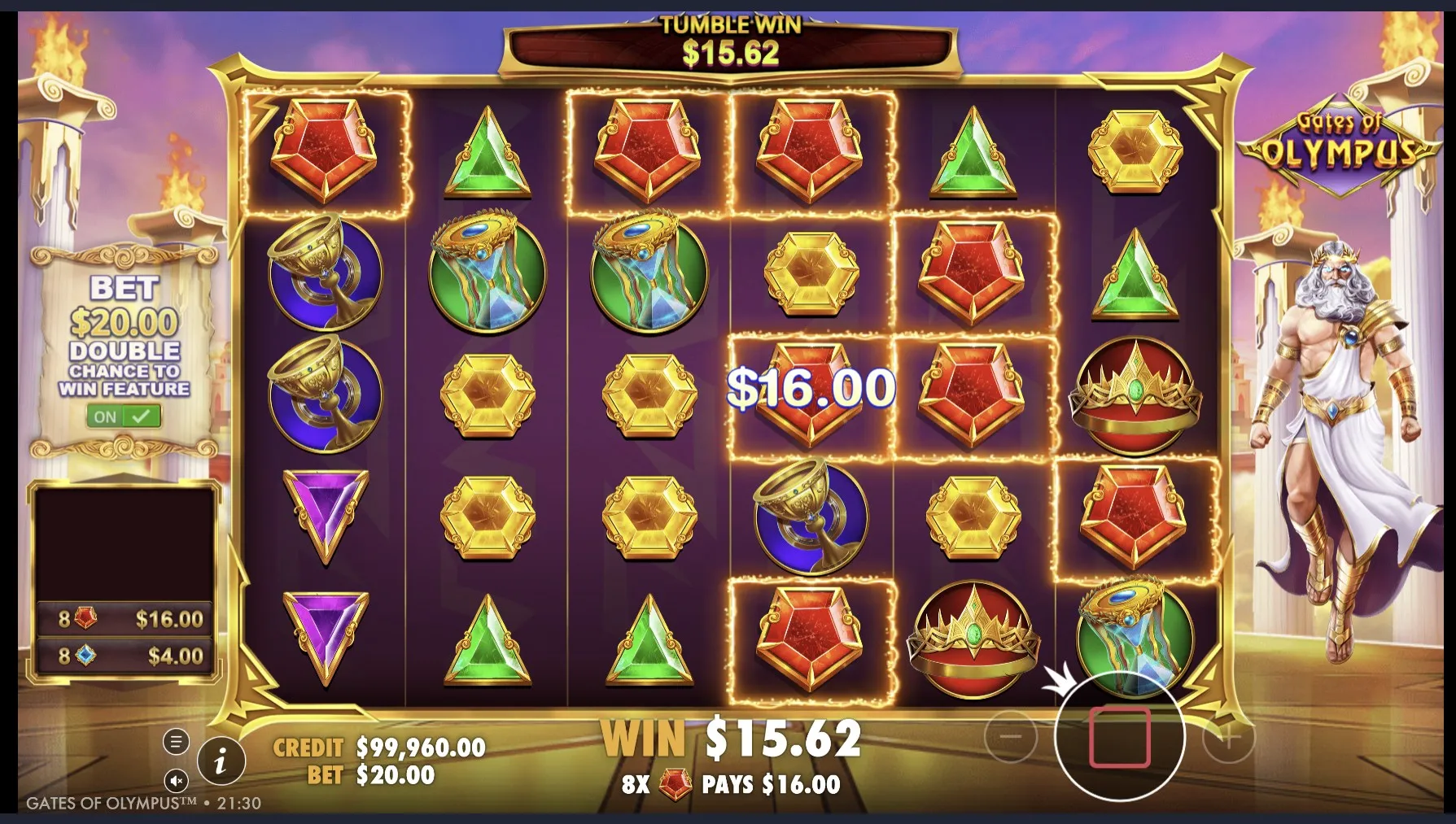
Read the balance before the animation
Start with the words beside each number. A total balance, a round result and a level indicator may sit close together while describing different things. A large result does not explain the whole session. Look for the amount used to start the round as well as the amount returned, and resist guessing from the sound or colour of the celebration.
Virtual credits help a game keep track of play, but their meaning comes from its rules. Do not assume two titles use the same scale because both show coins. One may display a small starting balance and another a much larger one. Comparing those totals alone tells you little about how either game feels or how long you want to spend there.
Keep three questions in view
- Which number shows the balance available for the next round?
- Where does the game explain the amount used by each action?
- Can you find the help panel without starting another round?
These questions are useful in 2026 even when the artwork looks familiar. A refreshed menu can move a control or rename a setting. Read the version actually on your screen. If an explanation is missing or unclear, leave that feature alone; there is no need to test an unfamiliar button just to discover whether it changes the pace.
Make the first few actions deliberate
Before settling into a social casino game, take a quiet look around. Find the sound control, the rules and the way back to the page. This is also a chance to see whether the text fits your screen. A comfortable view matters more than getting through the opening animation quickly, especially when a small display places several controls close together.
- Open the help panel and read the explanation of balances and results.
- Check the selected amount before choosing a round manually.
- Watch what changes once the round has fully finished.
- Pause and decide whether the pace suits the break you planned.
Keep virtual credits separate from any purchase prompt you might encounter on another provider’s service. The site’s FAQ mentions that some providers may sell coin packs; it does not establish the terms of every game elsewhere. Read any separate product description on its own merits. A familiar coin icon is no reason to assume the same conditions apply.
Choose what counts as a good session
A rising total is only one thing a screen can show. You might enjoy learning a feature, noticing the artwork or sharing a funny moment with a friend. Those experiences do not require an impressive closing balance. The comparison below is a way to read the session more clearly, without turning a casual break into a performance review.
| Detail | Useful reading | Missing context |
|---|---|---|
| Balance | Available game units | Whether you enjoyed the break |
| Round result | One completed action | The whole session |
| Time spent | Length of the visit | Whether another round is welcome |
If company is what makes the game appealing, try the ideas in playing with friends. If the next round keeps arriving before you decide, explore a comfortable session routine. Both approaches shift attention towards the experience you chose, rather than a number you feel obliged to improve.
Author’s opinion
I would rather understand a modest game than rush through a dazzling one. For me, virtual credits work best as a simple part of the rules, with no emotional job to do after the tab closes. My preferred ending is knowing what I played and feeling ready to do something else. A larger balance would not make that ending better.